Posted on September 18, 2025
0 COMMENTS
0 COMMENTS
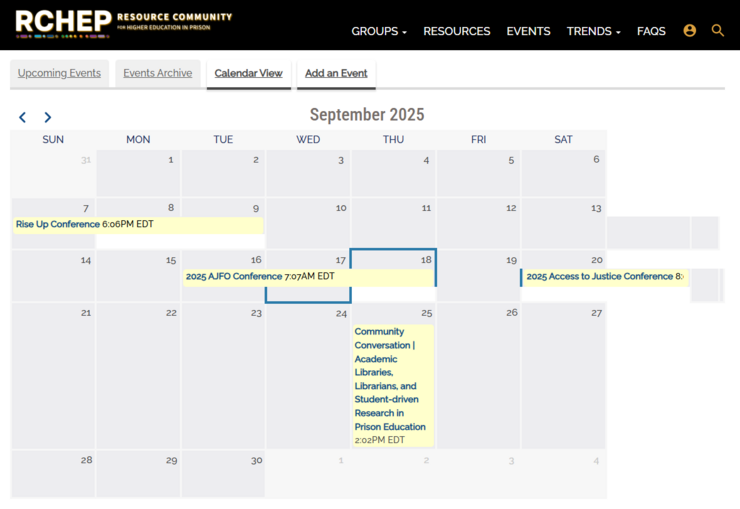
RCHEP now has a new feature - The Calendar!
On the right side of the RCHEP homepage, we've added a list of upcoming events. Events can be added to the list by clicking "Create Event" at the bottom of the list.
Events can also be viewed in other ways:
- To view all upcoming events, click "Events" at the top of the RCHEP webpage.
- To view past events, click "Events Archive" on the Events page.
- To view events in a calendar format, click "Calendar View" on the Events page.
- To add events, click "Add an Event" on the Events page.
Try it out and let us know what you think!
All events are reviewed by an RCHEP admin before publishing. Please make sure to click "Save" on your event posting for it to be reviewed.